
Appearance
Installation
How to get Otty running on each platform.
macOS
Just download the macOS package from the Otty homepage — the Download button serves the Apple Silicon build, and the dropdown next to it has the Intel (x86_64) build. Unzip it and drag Otty.app into your Applications folder.
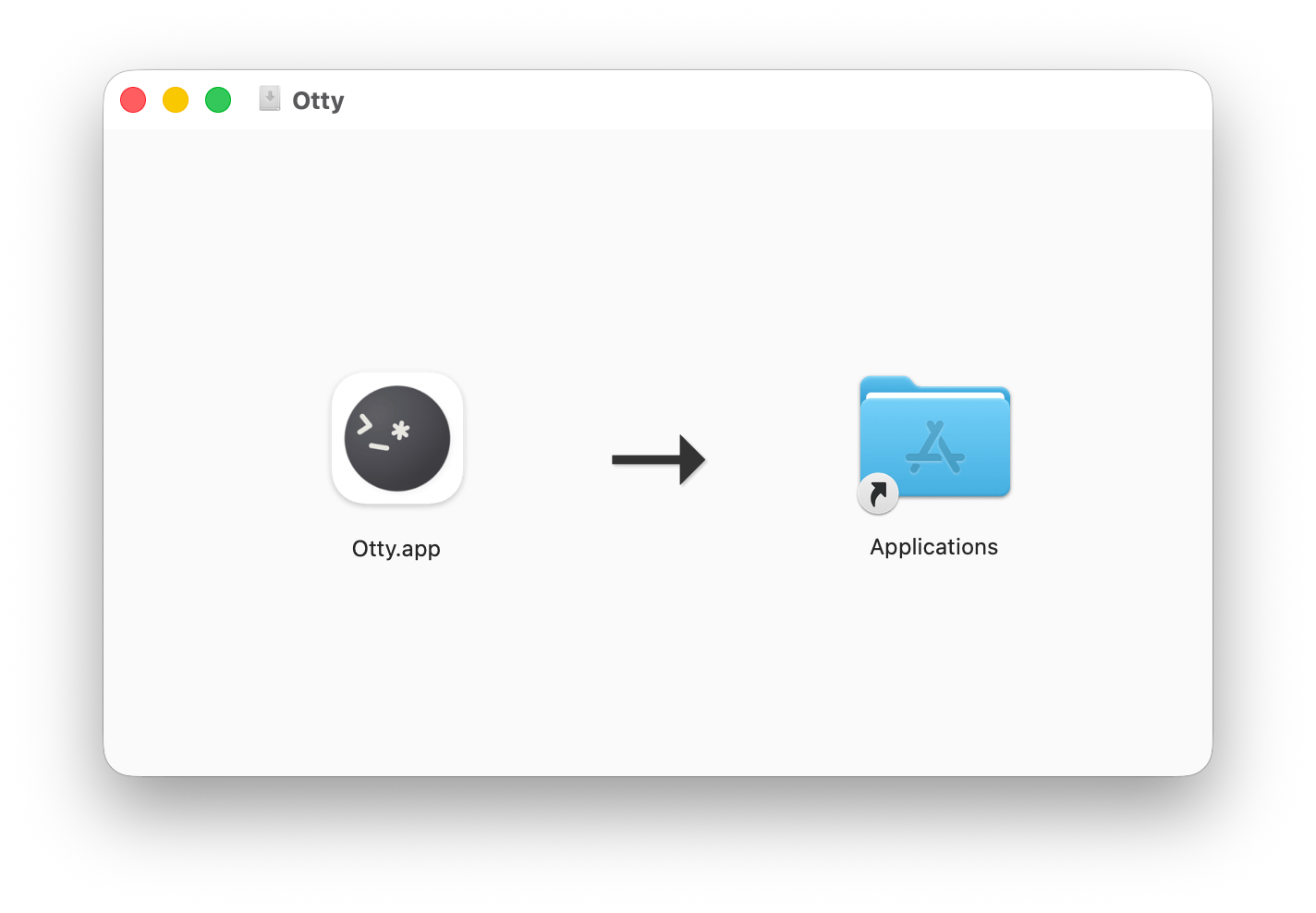
Requirements:
- macOS 14 (Sonoma) or later
Windows
Status
In development
Linux
Status
In development
See also
- First Launch — set up Otty the first time you open it.